Community
Feeds, profiles, posts, comments, reactions, friends, groups, directories, and targeted updates.
CommunityStack designs, builds, launches, maintains, and evolves digital platforms across mobile, web, cloud, and administration.
Our work shows the platform operating at different levels—from a large university ecosystem to a focused member community and practical operational applications.

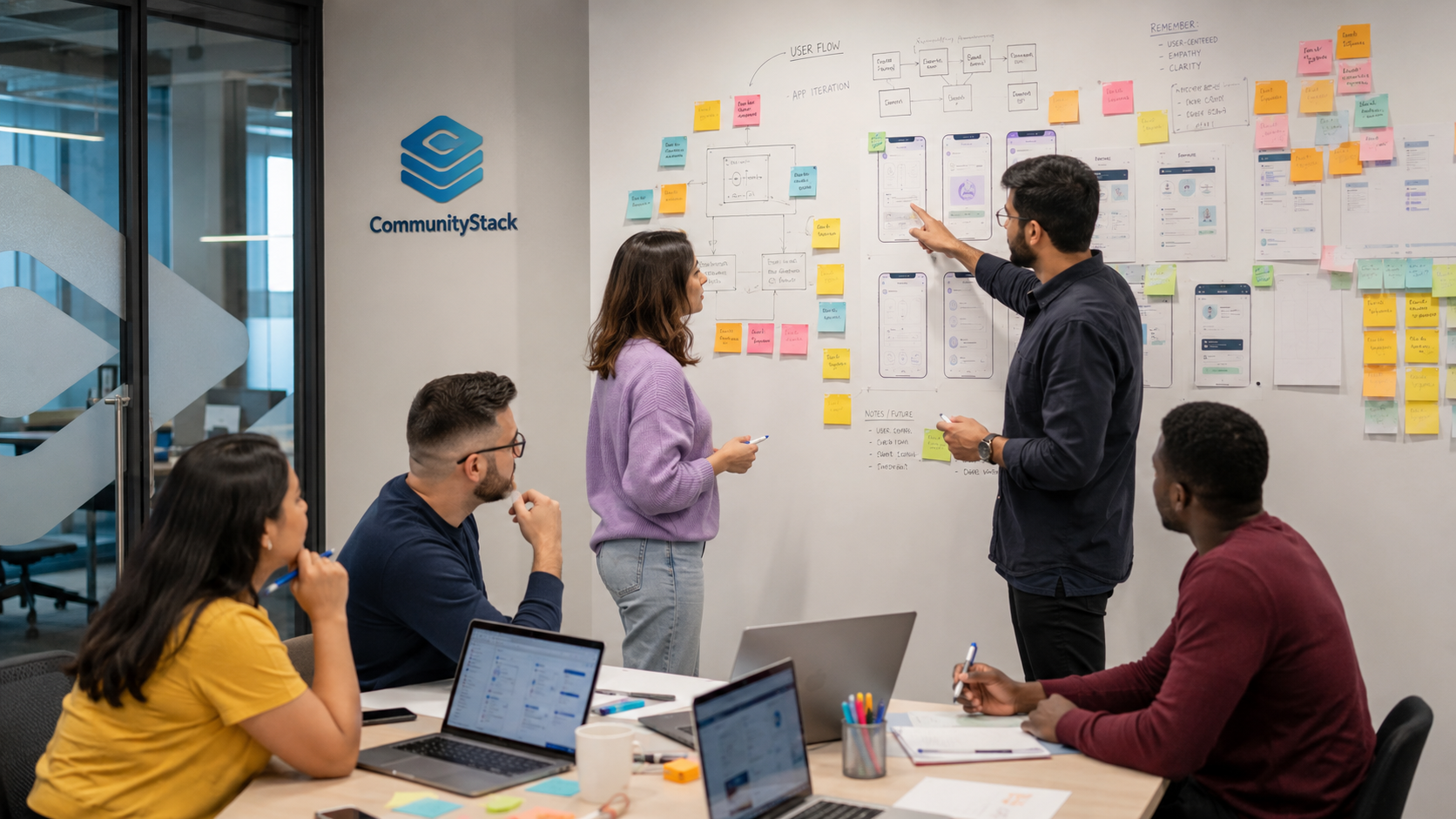
A university-wide digital ecosystem built for the Negros Oriental State University community across eight campuses. It brings community, communication, content, services, learning access, live experiences, alumni, monetization, and administration into one branded platform.
MyNORSU proves that CommunityStack can combine consumer-grade engagement with institution-grade administration and service delivery.
Feeds, profiles, posts, comments, reactions, friends, groups, directories, and targeted updates.
Messaging, calls, notifications, announcements, live chat, and real-time interaction.
Live broadcasting, replay, clips, creator tools, daily updates, uploads, and media storage.
Events, jobs, tutoring, marketplace, LMS pathways, opportunities, and campus tools.
Batches, directory, profiles, reconnect experiences, verification, and lifelong community access.
Advertising inventory, direct campaigns, engagement systems, and monetization pathways.
Roles, approvals, moderation, reporting, notifications, content control, and operational dashboards.
Monitoring, maintenance, updates, infrastructure, support, testing, and controlled expansion.
A live branded digital community for the Technological University of the Philippines, extending the CommunityStack platform foundation to another major public university environment.

University identity, communication, participation and community experience delivered through a dedicated branded application.

MyTUP is published through Google Play, demonstrating real product delivery beyond prototypes and presentation mockups.
The delivery includes platform configuration, administration, hosting, monitoring, maintenance and continuous releases.
A private community platform demonstrating how the same CommunityStack foundation can be adapted for a church and member audience rather than a university.

Private social engagement shaped around a defined membership, with profiles, posts, updates, groups, and organization-specific identity.
The product demonstrates white-label adaptability: different branding, audience, content priorities, access model, and community rules.

CommunityStack owns more than the interface: product development, cloud systems, deployment, administration, maintenance, and support.
The portfolio also includes focused tools that demonstrate CommunityStack’s ability to turn narrow workflows into clear, usable products.
Asset checkout and return tracking for equipment, rooms, supplies, QR tags, and history.
Duty rosters and team scheduling for organizations, offices, schools, churches, and volunteers.
Receipt, warranty, document, product, and expiry reminder management in one organized vault.
The evidence is not the number of screens produced. It is the ability to connect product design, engineering, infrastructure, administration, launch, and continuous operation.
Translate a complex organization into a usable product structure.
Deliver coherent experiences across mobile, web, cloud, and administration.
Support real-time community, media, communication, services, and workflows.
Configure the same foundation around different identities and audiences.
Operate, maintain, troubleshoot, and expand products after launch.
Build both broad ecosystems and tightly focused operational applications.
Tell us who your organization serves, what currently breaks the relationship, and what a successful platform must accomplish.