Bug fixes and issue investigation
Identify broken flows, failed forms, access problems, upload issues, display errors, or other problems affecting the live system.
A branded digital platform is a live operational system—not a finished file. Mobile apps, web experiences, integrations, databases, storage, authentication and content all require continuing care.
CommunityStack provides structured post-launch maintenance to investigate issues, protect reliability and improve the platform as real users and organizational requirements evolve.

A working website or application can still need updates, checks, fixes, support coordination, and practical improvements after real users begin using it.
Support helps keep the system aligned with real use: content changes, minor adjustments, performance checks, issue investigation, hosting questions, database review, and technical recommendations.
Coverage depends on the system and the agreed support arrangement, but the focus is always stability, clarity, and responsible maintenance.
Identify broken flows, failed forms, access problems, upload issues, display errors, or other problems affecting the live system.
Support routine content changes, small layout adjustments, minor feature refinements, and practical updates that keep the system current.
Review speed, errors, visible problems, basic security posture, permissions, plugin concerns, and other risks that may affect reliability.
Assist with hosting questions, deployment support, database structure, file storage, backup planning, and cloud-connected system concerns.
Help review user-reported problems, confirm expected behavior, and provide technical direction for administrators managing the system.
Review recovery expectations, backup-aware architecture, restore considerations, and risk areas before problems become urgent.
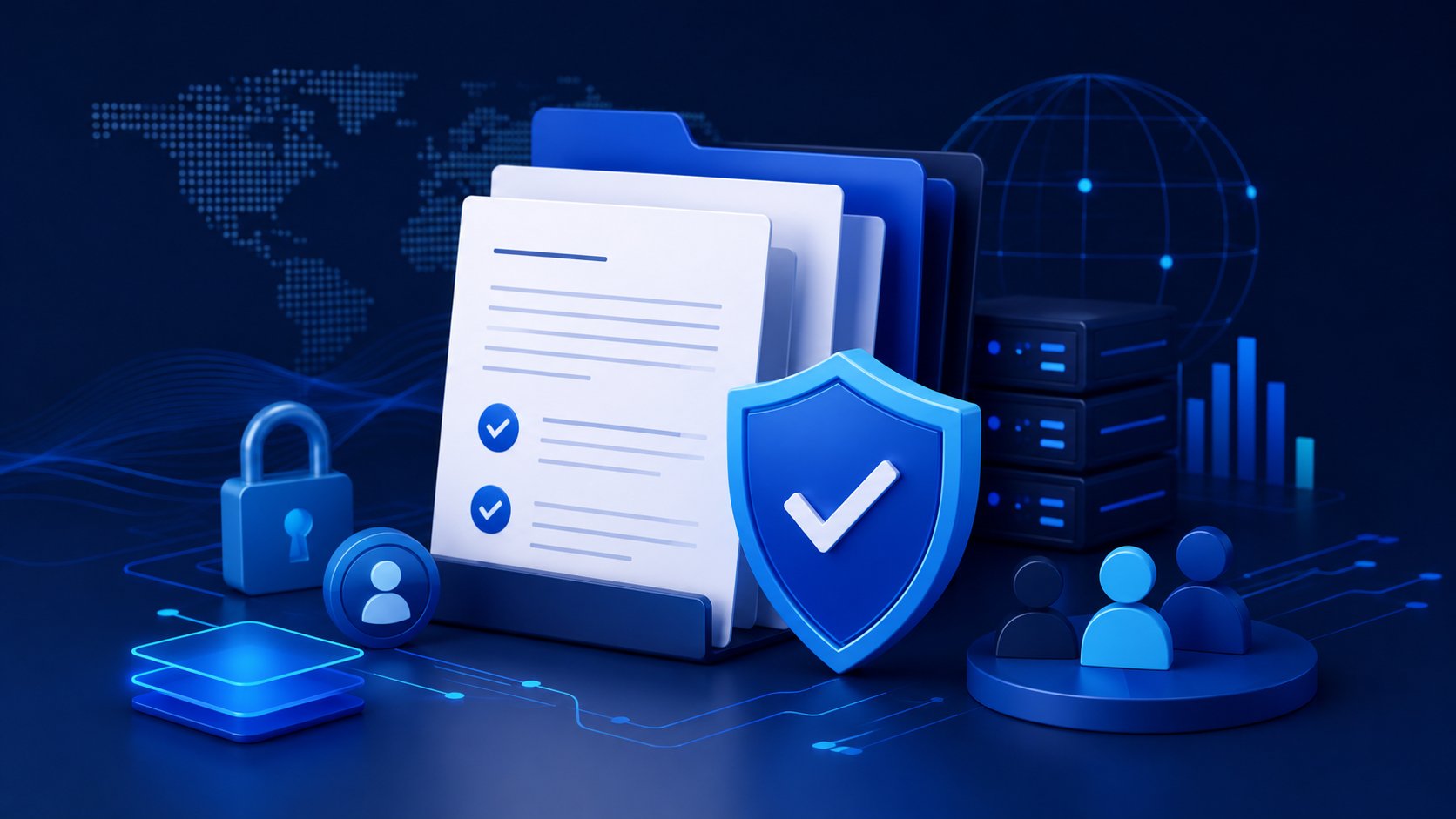
Clear support boundaries protect both the client and the development process. Small fixes and routine support can be handled under maintenance. Major changes should be scoped properly.
The right support level depends on how important the system is to daily operations and how actively it is used.
Monthly check, minor updates, basic issue response, and practical support for small websites that need stable presentation and simple contact paths.
Support for apps, dashboards, forms, admin tools, content updates, performance questions, and systems used in real operations.
Support for systems with users, media uploads, notifications, roles, dashboards, content activity, moderation needs, and ongoing use.

Support for systems that depend on authentication, storage, backend workflows, and structured data.
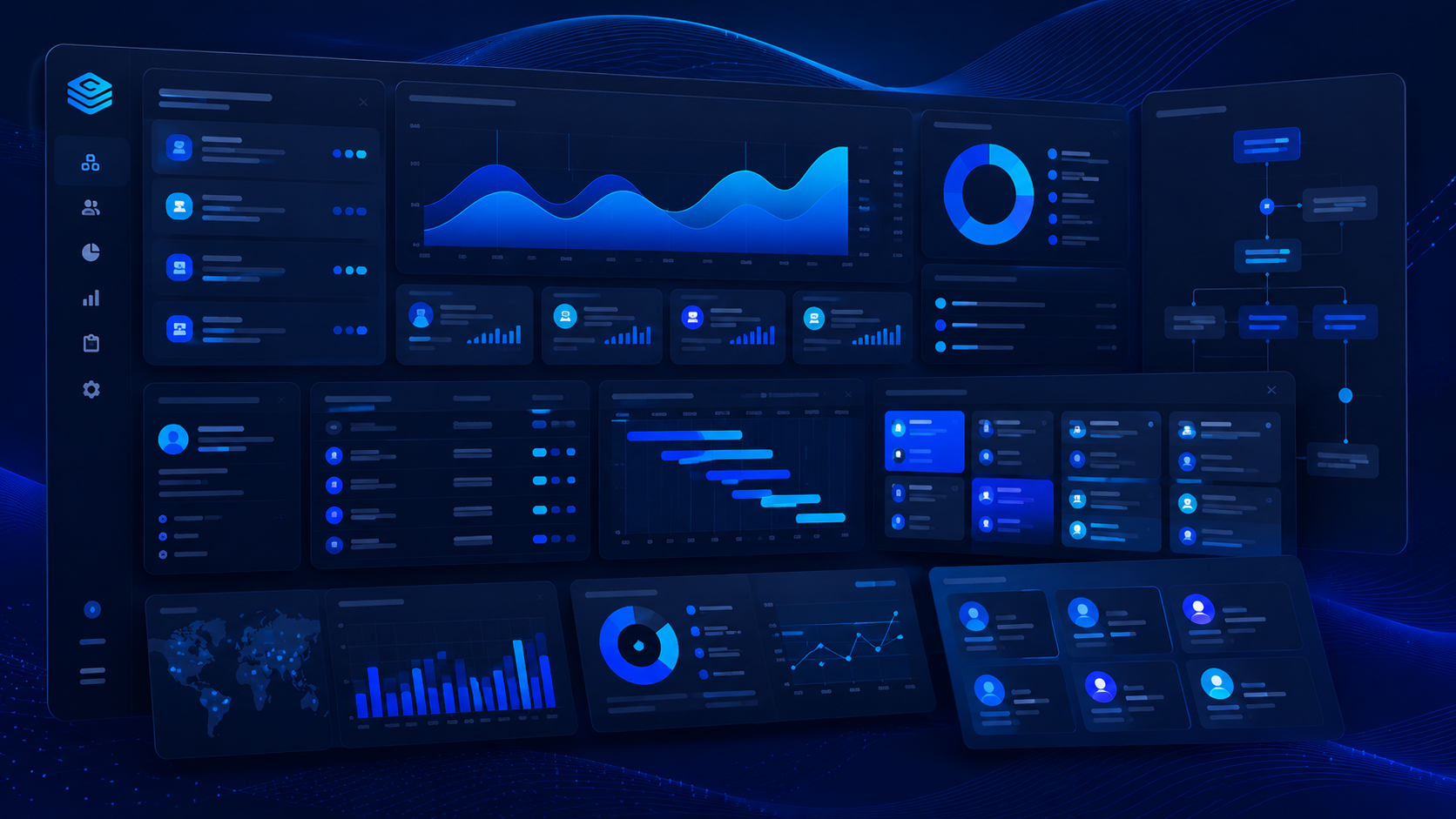
Operational checks.

Clear next steps.
Ongoing help for websites, apps, dashboards, forms, content, hosting, performance, and practical improvements.
Support works best when it is planned before problems become urgent. Use the consultation to discuss what your website, app, or system needs after launch.